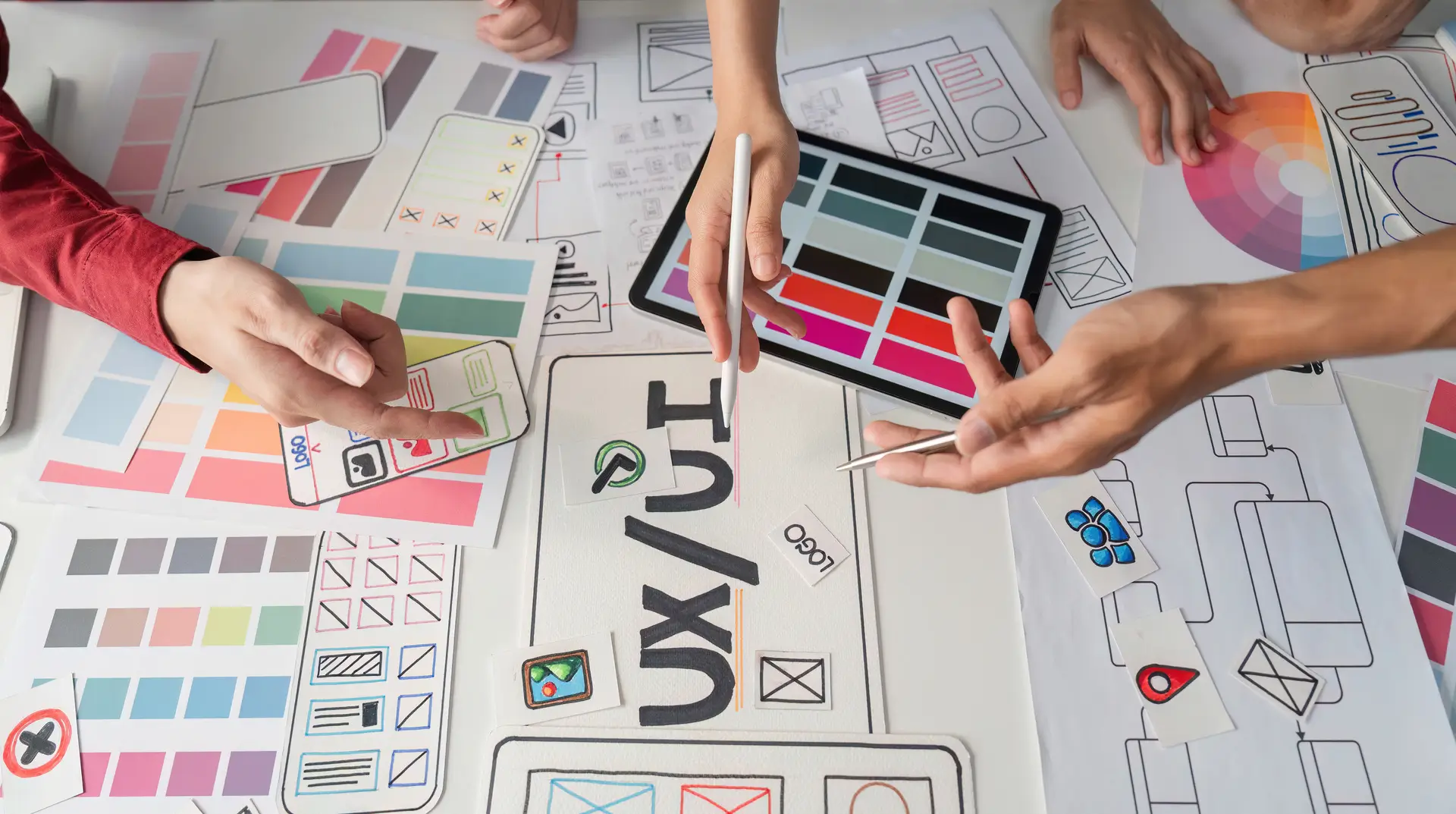
In the evolving digital landscape, UX design tools have become essential for crafting seamless, user-centered digital experiences. Whether you are a startup founder, freelance designer, or part of an enterprise UX team. Selecting the right UX design tool is critical. These tools help UI/UX professionals streamline workflows, prototype faster, and collaborate efficiently.
With innovation at its peak and competition more intense than ever. The choice of UI UX design tools can directly influence product success. This blog provides a detailed, people-first analysis of the best UX design tools available today.
Need help implementing the right UX tool for your next project? Contact our UI/UX experts and get started with future-proof design solutions!
What Are UX Design Tools?
UX design tools are software solutions that assist designers in creating, testing, and optimizing user interfaces and experiences. These tools often support wireframing, prototyping, user testing, collaboration, and handoff to developers.
Types of UX Design Tools:
- Wireframing tools for low-fidelity sketches
- Prototyping tools to simulate interactions
- User research tools for testing
- Collaboration tools to streamline teamwork
Using the right mix of these tools aligns perfectly with a structured UX design process, enhancing user satisfaction and business goals.
Best UX Design Tools to Use in 2026
1. Figma
Figma remains the most preferred UX design tool in 2026. Known for its browser-based interface. It supports real-time collaboration. Making it a favorite among remote UI/UX teams.
Key Features:
- Real-time collaboration
- Auto layout and smart animate
- Developer handoff tools
- Plugin ecosystem
Why It’s Great: Figma simplifies the entire ux & ui design process and is ideal for both beginners and experts.
2. Adobe XD
Still a strong contender, Adobe XD is excellent for rapid prototyping and interface design.
Key Features:
- Responsive resize
- Auto-animate
- Voice prototyping
- Seamless integration with Adobe Suite
Use Case: Designers already using Adobe tools find XD intuitive and robust.
3. Sketch
Popular among Mac users. Sketch provides advanced vector editing and a mature plugin ecosystem.
Key Features:
- Symbol libraries
- Prototyping and collaboration
- Sketch Cloud sharing
Use Case: Perfect for design teams that rely heavily on component systems.
4. Axure RP
Axure goes beyond wireframing, supporting logic-based prototypes with dynamic content and conditions.
Key Features:
- High-fidelity prototyping
- Conditional logic
- UX documentation tools
Why Use It: Best for teams requiring interactive, data-driven prototypes.
5. Maze
According to Maze, it is the go-to solution for UX design tools focused on usability testing.
Key Features:
- Unmoderated testing
- A/B testing
- Heatmaps and analytics
Use Case: For data-backed design iterations based on real user behavior.
6. InVision
InVision is still widely used in enterprise environments for prototyping and team collaboration.
Key Features:
- Interactive prototypes
- Design systems
- Feedback loops
Why It’s Popular: It centralizes design and communication into one platform.
7. UXPin
UXPin allows you to design using actual components that simulate code behavior.
Key Features:
- Code-based design
- Conditional interactions
- Accessibility validation
Use Case: Excellent for developers and UI/UX designers working closely.
Emerging UI UX Designer Tools in 2026
1. Pixso
As highlighted on Pixso, this tool is gaining traction due to its user-friendly interface and cross-functional collaboration features.
Why It’s Noteworthy:
- Supports design systems
- Offers cloud-based team collaboration
2. Penpot
An open-source alternative to Figma, Penpot is ideal for organizations looking for free yet robust tools.
Key Benefits:
- Self-hosting options
- Developer-friendly SVG outputs
3. Uizard
AI-powered and fast, Uizard turns hand-drawn wireframes into working prototypes.
Features to Highlight:
- AI component detection
- Drag-and-drop UI kits
These emerging ui ux designer tools offer unique approaches to solving modern design challenges.
What to Look for in a UX Design Tool
Choosing the right UX design tools depends on various factors:
- Ease of Use: Intuitive interface and learning curve
- Collaboration: Real-time editing and feedback
- Integration: With tools like Jira, Slack, or GitHub
- Scalability: For both solo and team-based projects
- Accessibility Support: Tools that consider UX accessibility
Real-World Examples
- Spotify’s design team uses Figma for its real-time collaboration. Enabling faster rollouts of new features.
- IBM leverages Axure for its complex enterprise applications to simulate conditional logic and capture stakeholder feedback.
- Airbnb incorporates Maze for usability testing. Ensuring their new features meet user expectations before launch.
These companies use UX design tools not only to streamline their design process. But also to maintain a consistent user experience at scale.
Need help implementing the right UX tool for your next project? Contact our UI/UX experts and get started with future-proof design solutions!
UI UX Design Trends and Tool Evolution
Staying ahead means adopting tools aligned with the latest UI UX design trends:
- AI in design (e.g., Uizard)
- Accessibility by default
- Collaboration-first platforms
- Component-based design systems
The right UX design tool keeps you future-ready and agile.
Final Thoughts on UX Design Tools
The landscape of UX design tools in 2026 offers something for every designer. From real-time collaboration in Figma to user testing in Maze. The selection depends on your workflow, goals, and team size. Be sure to align your tool choices with the full ux & ui design strategy for optimal results.
For designers aiming to elevate their user experience strategy. Choosing the right tool is not optional, but it’s a necessity.
Ready to streamline your UI/UX workflow? Choose the tool that aligns with your goals and start designing experiences that users love.
FAQs
1. What are the most commonly used UX design tools in
Figma, Adobe XD, Sketch, Maze, and UXPin are among the most widely adopted tools in 2026. Due to their feature sets, collaboration capabilities, and adaptability.
2. Are UX design tools free or paid?
Many tools, like Figma and Penpot, offer free versions with limited features. Premium plans typically include advanced collaboration, integrations, and storage.
3. Which UX design tool is best for beginners?
Figma is widely recommended for beginners. Because of its intuitive interface, free plan, and supportive community.
4. Do UX tools support accessibility design?
Yes, tools like UXPin offer built-in accessibility checks, ensuring your design complies with modern standards. Accessibility should be part of every design phase.
5. What tools help with user testing?
Maze is one of the leading tools for remote user testing. It supports analytics, heatmaps, and A/B testing, making it ideal for UX research.