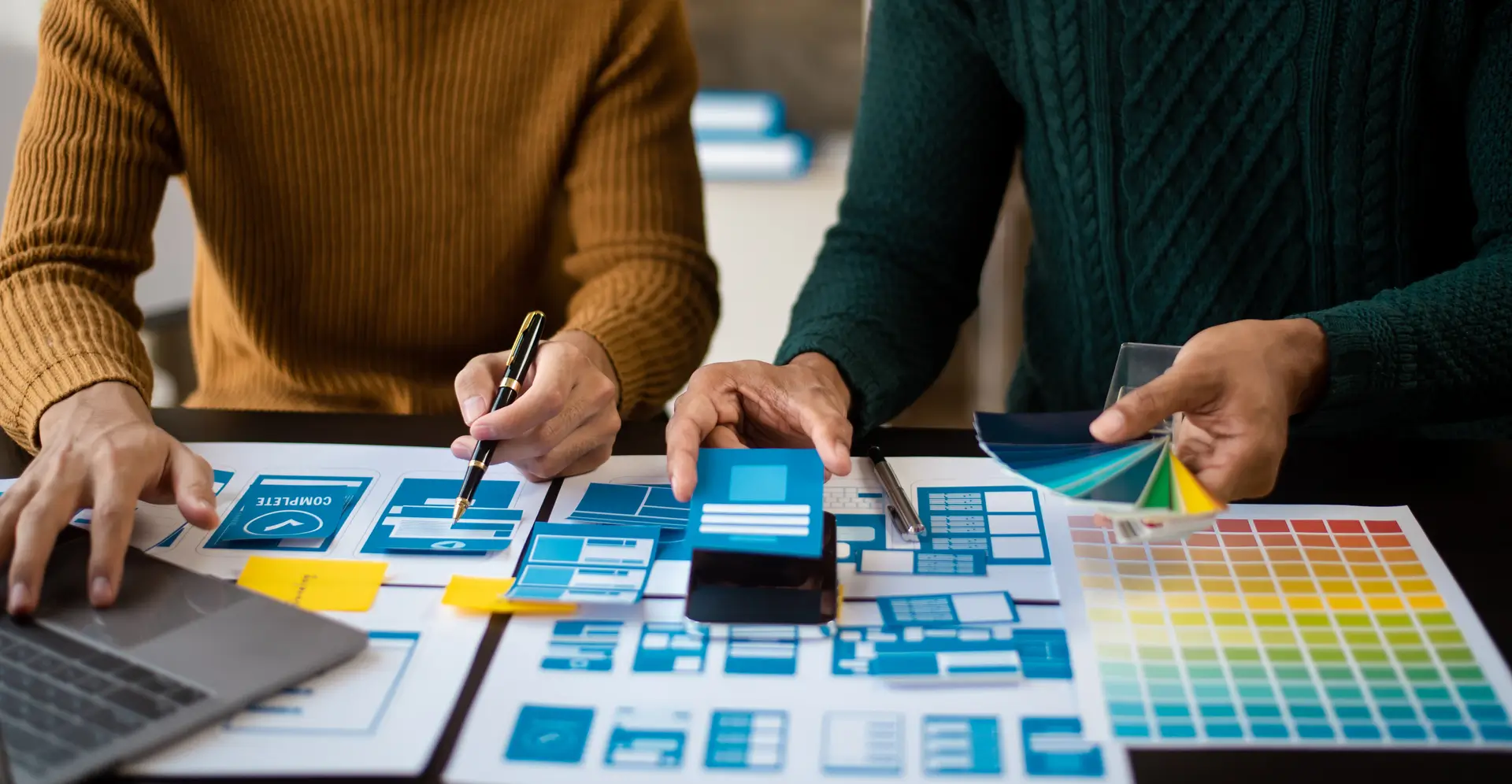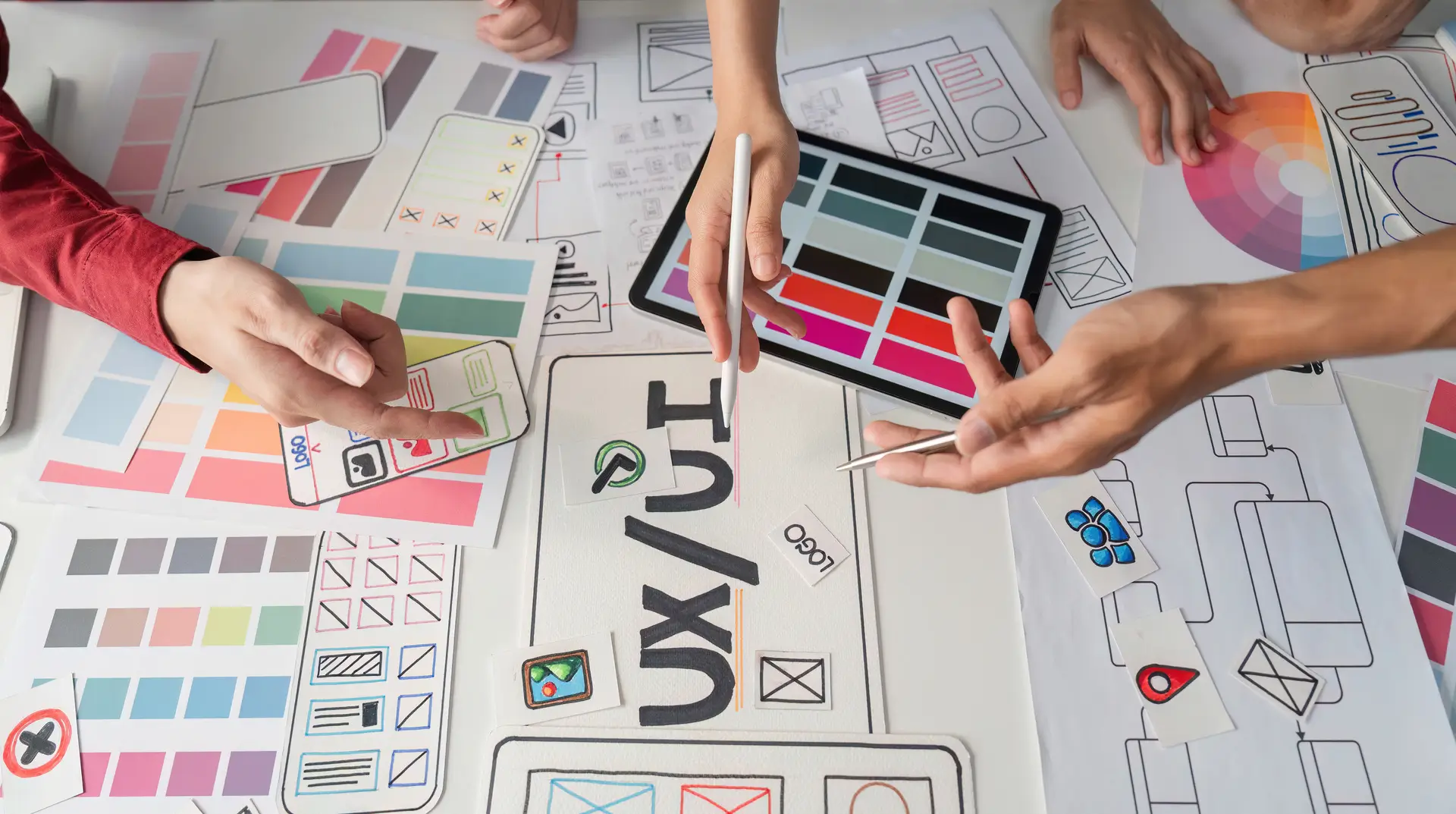
A founder opens Galileo AI. She types a short description of her app. In under a minute, a fully designed interface appears on screen. Screens. Components. Color palette. Navigation flow. That’s the power of UI/UX Design tools.
Her first thought: Do I still need a designer?
It’s a fair question. AI design tools have moved fast. Figma ships AI features in its core product. Uizard turns text prompts into wireframes. Relume builds entire site structures from a single sentence.
If you run a product company, a SaaS startup, or a digital team, you’re either already using these tools or wondering if you should.
The short answer: AI is replacing specific tasks within design work. It is not replacing designers. That distinction matters for your budget, your hiring, and your product.
What AI Can Do in UI/UX Design Right Now
The capabilities are more impressive than most people expect. Here’s an honest look at what’s available today:
| AI UI/UX Design Task | Tools That Do It |
| Wireframe & mockup generation | Uizard, Galileo AI |
| Full site structure from a prompt | Relume |
| Auto-layout & component suggestions | Figma AI |
| UI microcopy and copy variants | ChatGPT, Figma AI |
| Icon and image generation | Midjourney, Adobe Firefly |
| Simulated eye-tracking heatmaps | Attention Insight |
| A/B test variant generation | Multiple AI tools |
These are real, production-ready capabilities. Teams using them report meaningful time savings on first drafts, asset creation, and documentation.
For early-stage companies, AI UI/UX Design tools let a single designer ship what previously required two or three.
What AI Still Cannot Do
Speed is not the same as judgment. This is where the business case for human designers lives.
User Research
AI can transcribe interviews. It can summarize feedback. It cannot tell you why users say one thing and do something completely different. Experienced researchers read hesitation, contradiction, and body language. You cannot prompt your way to that insight.
Problem Definition
AI optimizes for the problem you give it. If you give it the wrong problem, it produces a polished solution to something that doesn’t matter. A good designer pushes back on the brief. AI doesn’t.
Stakeholder Alignment
UI/UX Design decisions are political. A checkout flow change might conflict with how sales demos the product. A new navigation structure might expose a disagreement between marketing and product. Designers mediate those conflicts. AI cannot read that room.
Systems Thinking
AI generates individual screens well. It cannot maintain consistency across a growing product with hundreds of edge cases. Design systems require human intention. AI-generated interfaces accumulate drift over time.
Accessibility Judgment
Around 1.3 billion people globally live with some form of disability. AI tools won’t flag poor color contrast or an onboarding flow that excludes low-literacy users unless you specifically ask. Human designers ask those questions by default.
Here’s a clear breakdown of where each falls short or excels:
| Design Task | AI | Human Designer |
| Generate screen mockups | ✅ Fast | ✅ More considered |
| Conduct user interviews | ❌ | ✅ |
| Define the right problem | ❌ | ✅ |
| Build a consistent design system | ⚠️ Inconsistent | ✅ |
| Navigate stakeholder conflicts | ❌ | ✅ |
| Check WCAG accessibility standards | ⚠️ Only if prompted | ✅ By default |
| Run A/B test variants | ✅ | ✅ |
| Interpret user behavior data | ⚠️ Surface-level | ✅ Deep |
The Real Risk: Confusing Output with Outcomes
This is the most important section if you’re making budget or hiring decisions.
AI produces design output faster than any human. That speed is useful. It becomes a liability when you mistake fast output for good outcomes.
A polished interface that solves the wrong problem still churns users. A beautiful checkout flow that was never tested with real users still loses customers. Shipping more screens faster doesn’t shorten the feedback loop with your users. It only shortens the production cycle. Those are not the same thing.
The numbers back this up:
| Study | Finding |
| McKinsey Design Index (2018) | Design-led companies outperformed benchmarks by 32% in revenue growth |
| Forrester Research (2016) | ROI of investing in UX: up to 9,900% |
| IBM Study | Every $1 invested in UX returns $100 in value |
Those returns come from solving the right problems. AI speeds up production. It does not improve problem definition.
Companies that cut design teams for AI tools tend to discover the cost 12 to 18 months later. Retention drops. Support tickets spike. A costly redesign follows. Fast output in year one becomes design debt in year two.
How Smart Teams Are Using AI in UI/UX Design
The teams getting real value from AI are not replacing designers. They are changing what designers spend time on.
| What AI Handles | What Designers Handle |
| First draft mockups | User research and synthesis |
| Copy variants | Problem framing |
| Asset generation | Design system decisions |
| Documentation | Stakeholder alignment |
| A/B test variants | Accessibility review |
This division makes designers more productive. It does not make them redundant.
For an early-stage company with one designer, AI is a force multiplier. Tasks that took two days now take an afternoon. That frees up time for research and iteration.
For scaling companies, the need for design leadership grows alongside product complexity. Someone needs to own the design system, define the research agenda, and connect design decisions to business strategy. AI tools don’t do that. A senior designer or design director does.
There’s also a divide emerging in the talent market. Designers who use AI tools are shipping faster and commanding higher rates. If you’re hiring today, look for AI tool fluency on top of strong research and systems skills.
What This Means for Your Team and Budget
Here’s how to think about your design investment based on where you are:
| Stage | What You Actually Need |
| Pre-product / early-stage | One strong generalist designer + AI tools |
| Existing product with real users | A designer who can do research, not just production |
| Scaling product team | Design leadership: director or head of design |
| All stages | Designers with AI fluency, not AI instead of designers |
The junior pixel-pushing roles are shrinking. The roles worth investing in combine research skills, systems thinking, and AI tool proficiency.
Cutting design entirely is rarely the right move. Restructuring what you hire for often is.
The Question AI Cannot Answer
Go back to that founder with her Galileo AI interface. It looks good. It took one minute.
What the AI didn’t tell her:
- Does this app solve a problem users care about?
- Does the navigation match how her target users think?
- Will 60% of new users drop off before reaching the core feature?
Those questions determine whether her product succeeds. Answering them requires talking to real users, synthesizing what they say, and making calls about what to build and what to cut.
That work belongs to a human designer.
AI is a fast and capable production tool. It has not made the judgment behind great design any less critical to your business.
Ready to Build a Product Your Users Actually Love?
DevSphere Technologies delivers end-to-end UI/UX Design services built for business outcomes, not just beautiful screens.
From user research and information architecture to full interface design and usability testing, the DevSphere design team combines human judgment with the best AI-assisted tools to ship products that convert, retain, and grow.
Get UI/UX Services from DevSphere Technologies →
FAQs
Will AI replace UI/UX Designers?
No. AI replaces production tasks — generating mockups, creating assets, writing microcopy variants. It cannot conduct user research, define the right problem, or align stakeholders around a design decision. Those require human judgment. Companies that treat AI as a designer replacement typically face higher churn, more support costs, and expensive redesigns within 12 to 18 months.
What is the ROI of UX design?
Forrester Research puts the ROI of UX investment at up to 9,900%. IBM’s design research found every $1 spent on UX returns $100 in value. The McKinsey Design Index tracked 300 companies over five years and found design-led businesses outperformed industry benchmarks by 32% in revenue growth. These returns come from reducing development rework, lowering support costs, and increasing conversion rates.
Should I hire a UI/UX Designer or use AI tools?
Both. AI tools handle speed work — first drafts, asset generation, copy variants. A human designer handles judgment work — user research, problem framing, accessibility, and systems thinking. Early-stage companies can extend one designer’s output significantly with AI tools. Scaling companies need design leadership that AI cannot provide. The question is not either/or; it is knowing which tasks belong to each.
How much does bad UX design cost a business?
The costs show up in three places. First, development rework — teams that skip proper UX research build the wrong features and rebuild them later. Studies show poor requirements account for up to 50% of rework costs. Second, customer churn — 88% of users say they won’t return to a site after a bad experience (Amazon Web Services, 2023). Third, lost conversions — a one-second delay in page load time reduces conversions by 7%. Bad UX is not a design problem. It is a revenue problem.
When should a business invest in professional UI/UX services?
Three situations signal it is time. First, when users drop off before completing a key action — signup, checkout, onboarding. Second, when your product has grown but the interface has not kept up, creating inconsistency across features. Third, when you are preparing a product launch or redesign and need research-backed decisions rather than guesswork. At each of these points, professional UX work pays for itself through better retention and lower rework costs.